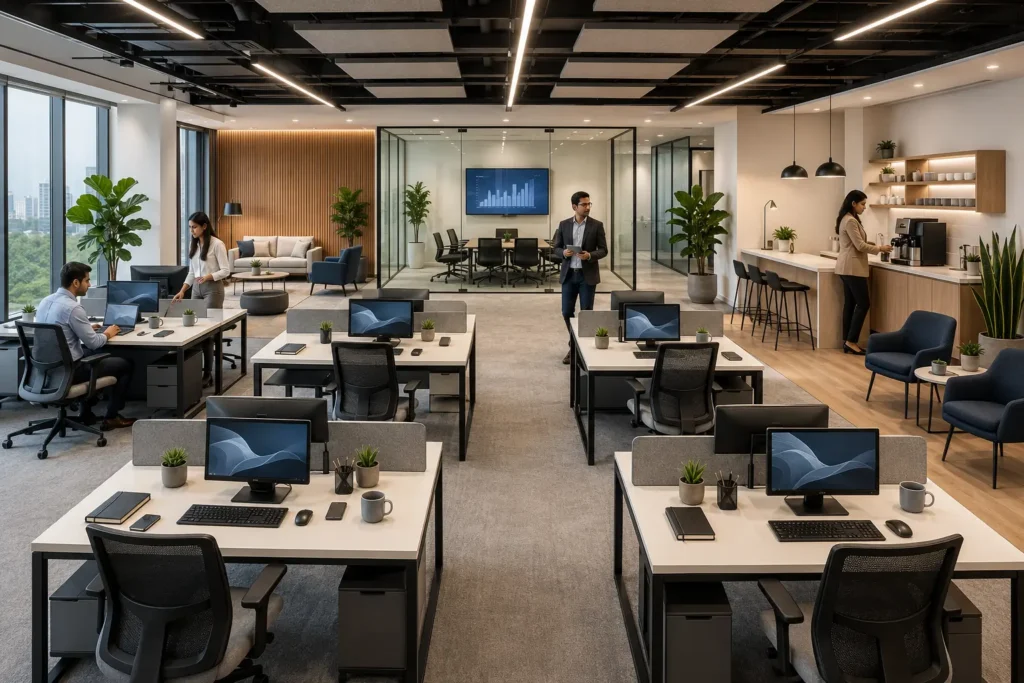

The layout of your office does more than just fill a space; it acts as a silent catalyst for how your team interacts, communicates, and innovates. In today’s fast-paced corporate environment, removing physical barriers and fostering a culture of openness is essential for modern business success. By strategically choosing furniture that promotes interaction, you can transform a stagnant office into a hub of creative energy.
Creating Spaces That Spark Interaction
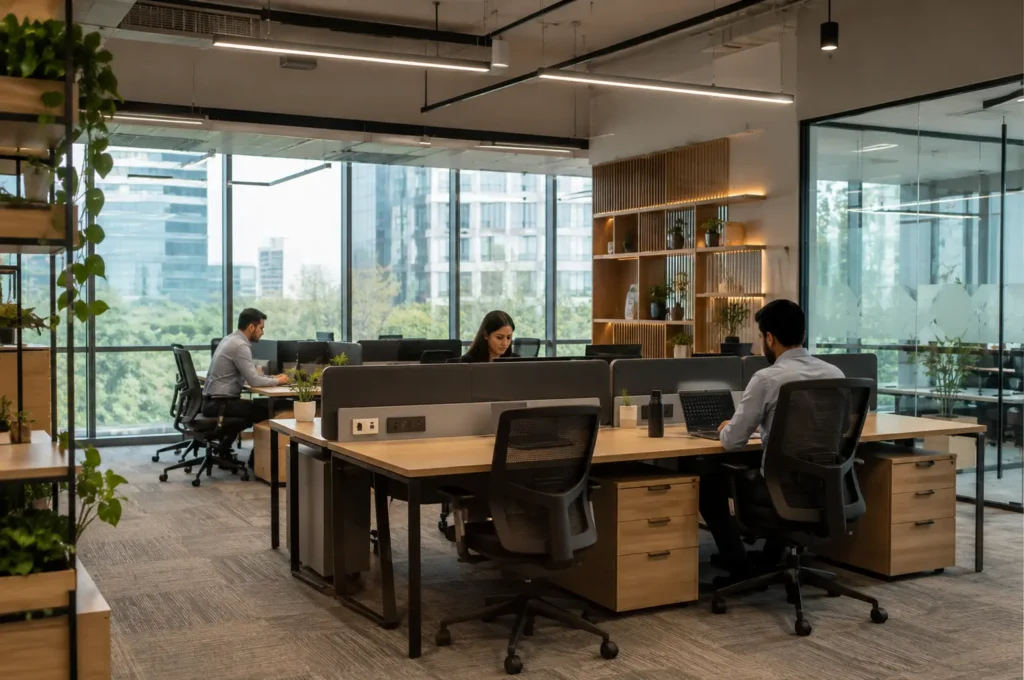
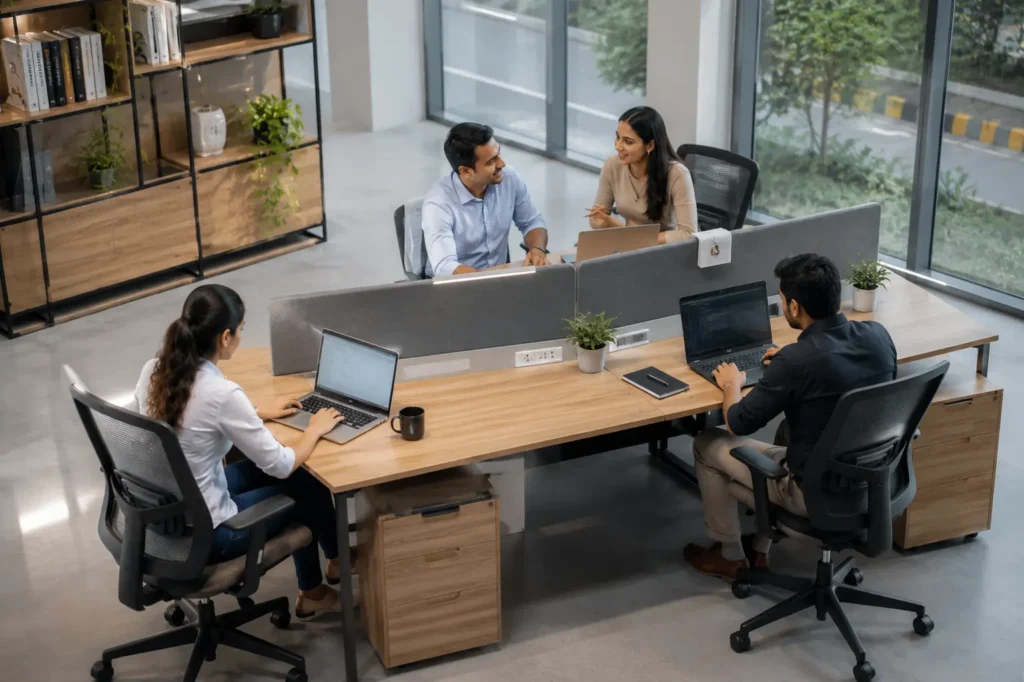
To encourage spontaneous collaboration, design should prioritize transparency. Open-plan layouts have long been the standard for encouraging teamwork, but they require the right balance of furniture to prevent them from feeling cluttered or distracting. When selecting desks, opt for configurations that allow team members to see one another easily. For instance, choosing a versatile 4 person workstation allows for fluid communication while maintaining dedicated personal space for individual focus.
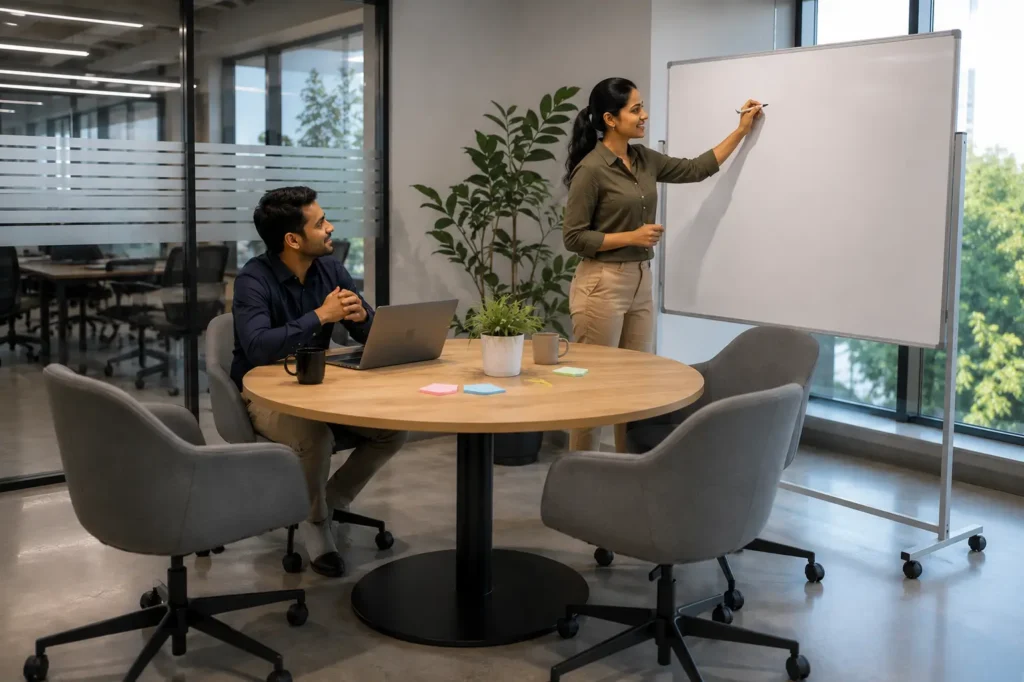
The goal is to move away from rigid cubicles that stifle conversation. Instead, focus on creating huddle zones where employees can quickly gather to solve problems without needing to book a formal conference room. Providing areas where people can naturally congregate for a quick stand-up meeting or a brainstorming session significantly improves team efficiency.
Balancing Privacy and Connectivity
While collaboration is vital, it must be balanced with the need for deep, focused work. A common mistake in office design is assuming that more open space is always better. If your team cannot focus, collaboration often suffers because the work quality drops. The best approach is to utilize modular furniture that allows you to adjust the level of openness.
Modular Workstations Help Teams Stay Connected Without Losing Focus
Modern modular workstations are designed to support both concentration and collaboration. Unlike traditional cubicles, they provide subtle visual separation without isolating employees. Low-height privacy panels, integrated cable management, ergonomic furniture, and flexible desk configurations allow teams to communicate naturally while reducing unnecessary distractions. As businesses grow, modular systems can also be expanded or rearranged without replacing the entire office setup.
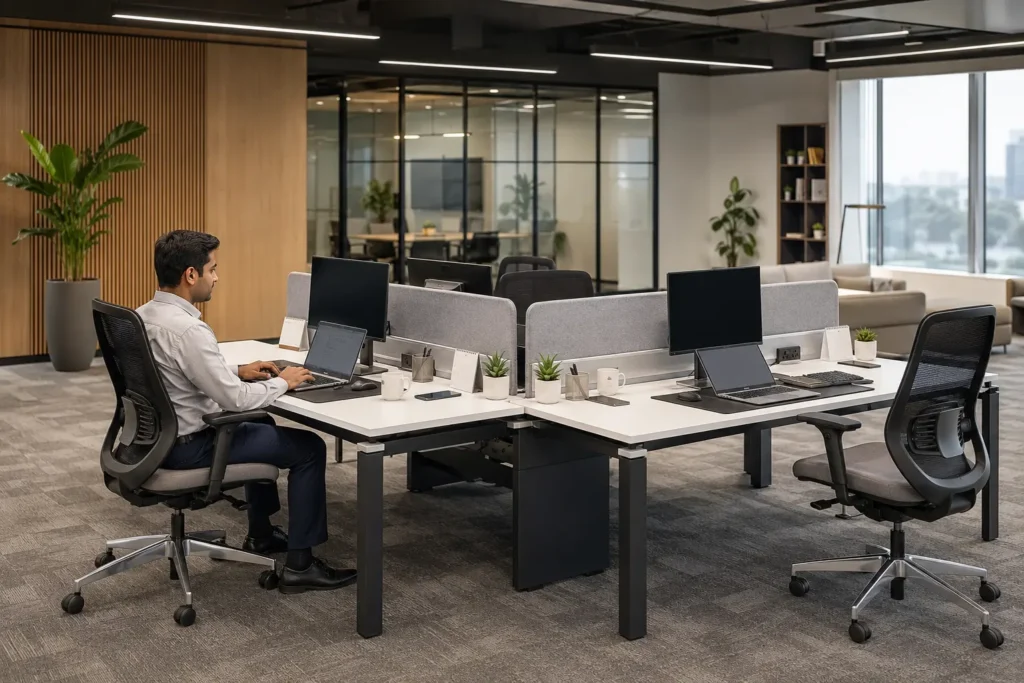
Using workstations with integrated, low-profile partitions can give employees the psychological comfort of their own space while keeping the atmosphere social. For companies looking for high-quality setups in the NCR region, exploring options from a reliable local provider of office furniture can ensure your layout is tailored to both team size and workflow requirements. Integrating the right ergonomic office chairs also ensures that your team remains comfortable during these collaborative efforts, preventing physical fatigue that often kills motivation.
Ergonomic Workstations Keep Teams Comfortable and Productive
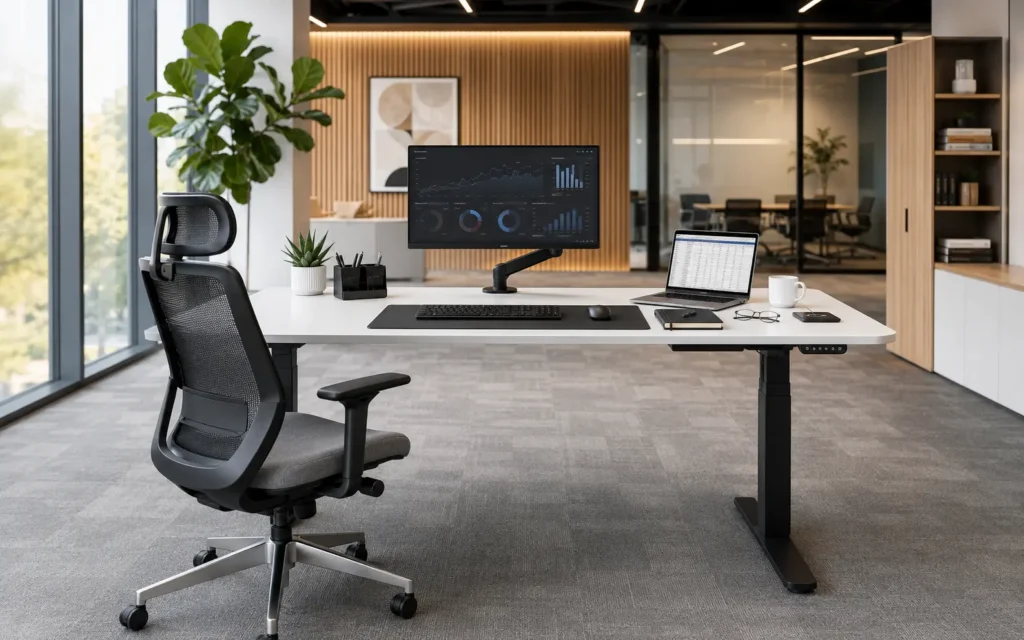
Employee comfort plays a direct role in collaboration and productivity. Ergonomic workstations reduce physical strain during long working hours by supporting proper posture, minimizing fatigue, and allowing employees to adjust their seating position throughout the day. Features such as adjustable chairs, monitor positioning, and height-appropriate desks help create a healthier and more efficient workplace.
Popular Collaborative Workstation Layouts for Modern Offices
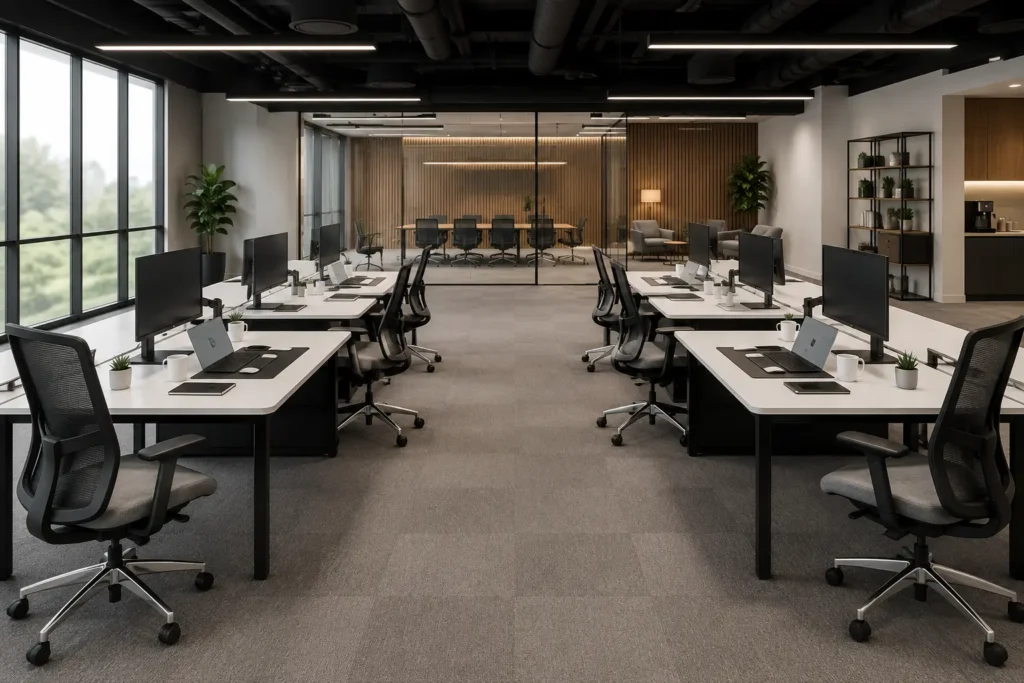
Choosing the right workstation layout is just as important as selecting quality office furniture. Different office environments require different desk configurations depending on team size, available floor space, and the level of collaboration required. Bench-style workstations remain one of the most popular choices because they maximize seating capacity while encouraging communication. Their modular design also allows businesses to expand or reconfigure office layouts as teams grow.
Best Practices for Collaborative Layouts
- Design for proximity: Place teams that work closely together in the same physical area to reduce the friction of communication.
- Incorporate multi-functional furniture: Use desks that can easily transition from individual tasks to group work with the simple addition of a whiteboard or digital screen.
- Prioritize traffic flow: Ensure your layout doesn’t create bottlenecks, which can cause frustration and disrupt the work of others.
- Create “collision points”: Place coffee stations or break areas in locations where employees from different departments are likely to cross paths.
Breakout Spaces Encourage Informal Team Collaboration
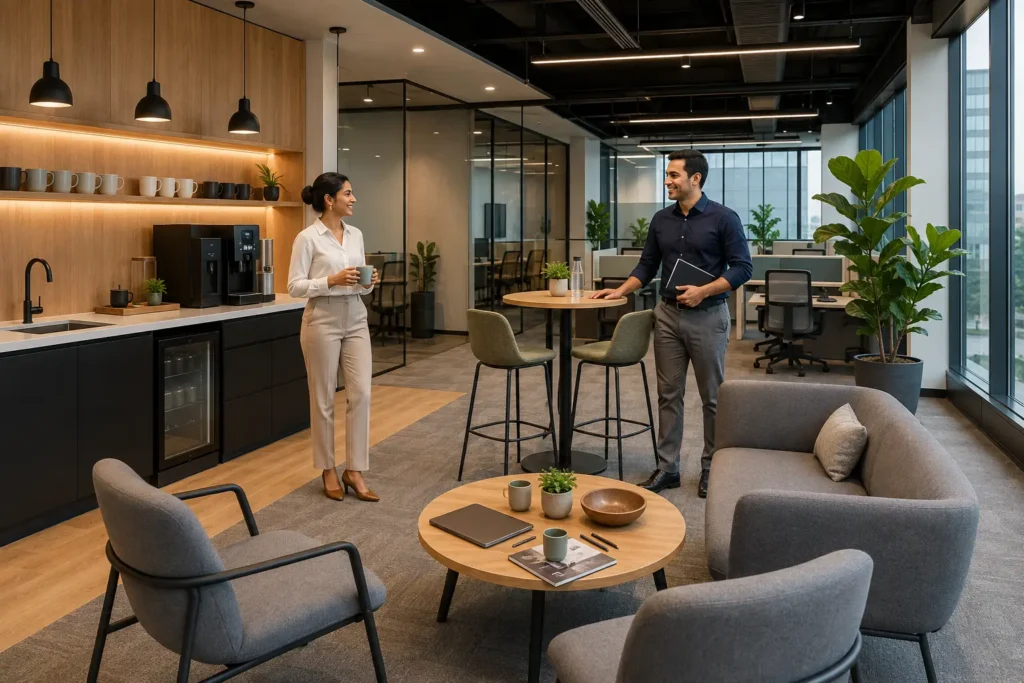
Not every productive conversation happens inside a meeting room. Well-designed breakout spaces and office coffee stations create natural opportunities for employees from different departments to interact throughout the day. These informal conversations often lead to faster problem-solving, stronger workplace relationships, and the spontaneous exchange of ideas. By placing breakout areas near workstation zones instead of isolated corners, businesses can encourage collaboration without interrupting focused work.
Design Wide Walkways for Comfortable Movement
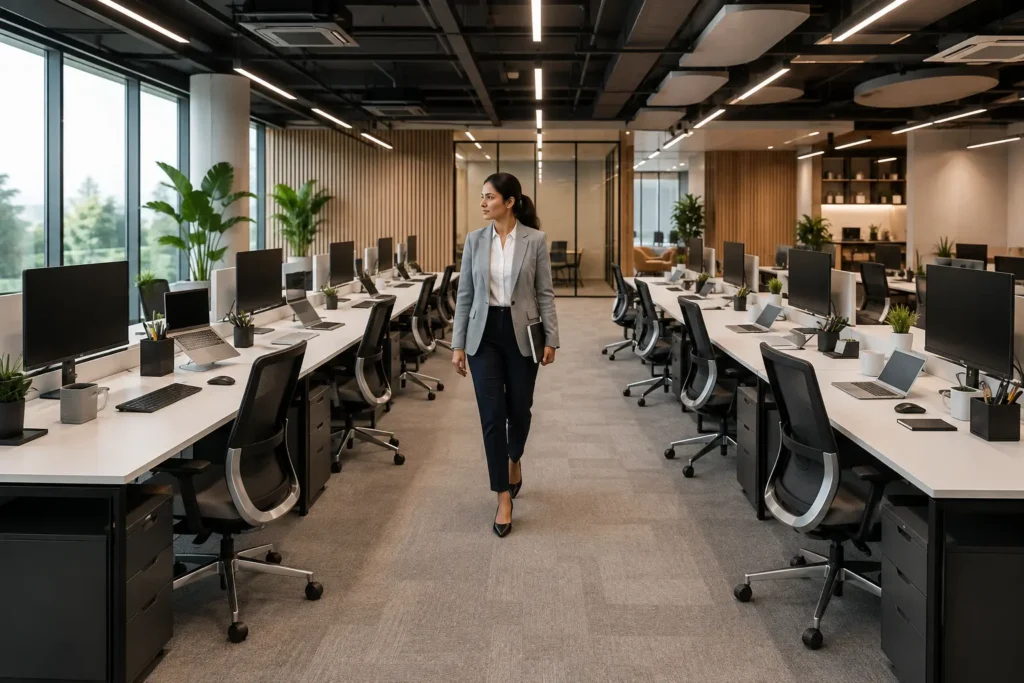
A well-planned office layout should allow employees to move freely without disturbing colleagues. Wide walkways between workstation clusters reduce congestion, improve accessibility, and create a more comfortable working environment. Maintaining clear circulation paths also makes collaborative spaces feel larger, brighter, and easier to navigate, especially in growing offices where multiple teams share the same workspace.
Common Mistakes to Avoid
Many offices fall into the trap of over-crowding. While you want to encourage collaboration, packing too many people into a small footprint can lead to noise complaints and reduced productivity. Another frequent oversight is failing to provide adequate storage. When desks are cluttered with personal items and paperwork, the workspace feels disorganized and stressful, which discourages people from gathering at a colleague’s desk to chat.
Frequently Asked Questions
How do I choose the right workstation for a small team?
For smaller teams, consider the nature of your projects. If your team does a lot of group problem-solving, a bench-style or connected desk layout works best. If you need a mix of privacy and collaboration, look for modular systems that offer optional privacy screens, which can be added or removed based on the current project needs.
Does an open-plan office really improve productivity?
It depends on how it is implemented. While open plans are excellent for communication, they can be distracting. The key is to provide a “zoning” strategy: use open areas for collaborative projects and designate quiet, smaller areas for deep-focus tasks. This hybrid approach is usually the most successful strategy for modern offices.
How often should I reconfigure my office layout?
You should review your office layout whenever your team size changes or when your business processes evolve. A flexible, modular approach to furniture allows you to make these updates easily without needing a total renovation. Investing in high-quality, adaptable pieces from the start saves time and money in the long run.
Transforming your workspace into a tool for collaboration requires intentional planning and the right furniture. By focusing on ergonomic comfort and flexible seating arrangements, you can build an environment where your team feels empowered to share ideas and work together seamlessly. Whether you are scaling up or restructuring your office, remember that the best space is one that evolves with the people who use it every day.